
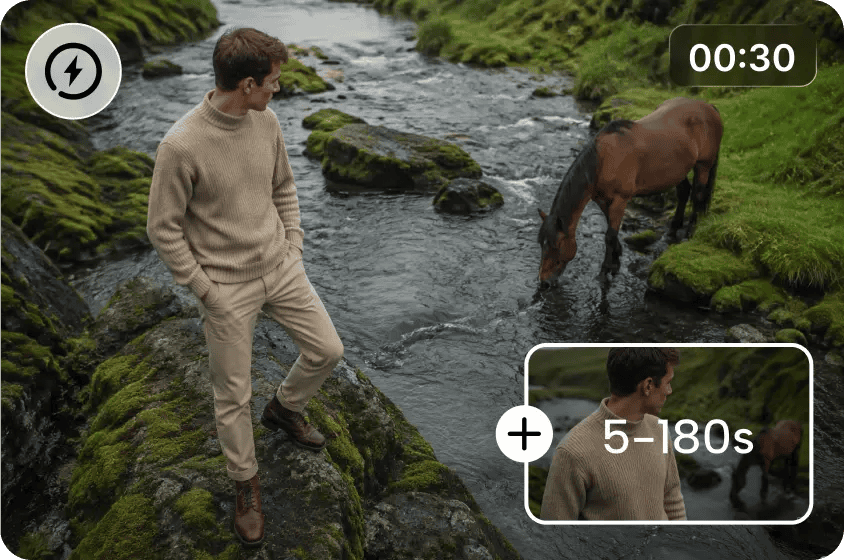
Discover Why AI Beats Traditional Shoots on Speed With Text-to-Video
The digital landscape calls for new video content, regular updates, and inventive variations. Traditional filming comprises planning, locations, equipment, staff, shooting, and post-production. These phases can cause delays, particularly if concepts are constantly changing.
This is where Dreamina AI steps in, turning written prompts into animated scenes, visual drafts, and more. Creators can brainstorm concepts without having to set up physical shoots. But not all editing needs are gone with AI generation. Its best value is that it speeds concept development without sacrificing time for careful refinement.
Where Traditional Video Shoots Lose Time Before Filming Even Begins
Conventional production involves a lot of coordination prior to cameras rolling, scouting locations, checking locations, and preparing backgrounds. Crews have to coordinate shooting schedules, and the camera people set up lenses, lights, mics, and recording gear. Props and wardrobe also must be sourced and arranged, and continuity needs to be checked. When shooting outdoors, there is a further element of uncertainty as weather can be disruptive.
Mistakes can be avoided by using storyboards, shot lists, and camera blocking, but it takes preparation. When concepts don’t need live-action footage, Dreamina AI can skip many of the physical setups. Its create video from text workflow will convert textual descriptions into visual drafts without having to book venues, hire crews, or set up physical sets. This eliminates logistical reliance (even though more complicated real-world scenes may still need to be filmed the traditional way).
How Text-to-Video AI Shortens the Journey From Idea to Visual Draft
Dreamina AI takes written instructions with great detail and brings them to life in video form with specific subject matter, action, environment, lighting, and camera movements. Creators can create an initial visual representation right from their ideas, rather than waiting for a production setup. This renders the creative evaluation more tangible than just the written description or static storyboard.
Moving imagery makes a promotional concept, cinematic atmosphere, or imagined environment more easily assessable. Creators can experiment with composition and different styles before making an investment in actors, props, or locations. Development, generation, review, and revisions remain time-consuming processes. However, this process can speed up the initial decision-making and help teams recognise potential directions to pursue prior to investing in physical production.
Steps to Discover Why AI Beats Traditional Shoots on Speed With Text to Video
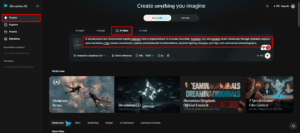
Step 1: Open Dreamina and describe your quick video idea
- Sign up or log in to Dreamina to begin turning your script into a video.
- Head to the “Create” tab in the left menu and pick the “AI video” option.
- Enter a detailed text prompt describing how you want the video to look and feel. Add details on video elements, sound, background, theme, and concept to skip a physical shoot.
Step 2: Pick a fast model and generate in minutes
- Pick a model from the options present at the bottom of the dialogue box first.
- Options include Dreamina Seedance 2.5, Dreamina Seedance 2.0, and Dreamina Seedance 2.0 Fast, among others. Dreamina Seedance 2.0 Mini and Dreamina Seedance 1.0 are also available for much quicker drafts.
- Click “Omni reference” to guide the AI with multiple reference images for accurate video results.
- Select the custom aspect ratio and resolution from the “Aspect ratio” and “Resolution” tabs below.
- Finally, click the “Generate” tab and watch your draft begin to take shape in minutes.
Step 3: Refine the draft and export the final clip
- If the first result misses the mark, use “Edit prompt” or “Regenerate” to refine it.
- You can also polish the generated clip with the “Edit video” option for faster fixes.
- Use “Edit segment” to change only one part of the video without redoing everything else.
- You can lengthen your video using “Extend video” or improve its quality with “Creative upscale”.
- Dreamina gives complete freedom to edit your video the way you like in every draft.
- Click “Download” at the top right to save the video file on your local device.
Comparing AI Generation With Traditional Production Across the Timeline
The speed of production depends on the job, the required output, and the quality specifications. By comparing workflows at various stages, practical advantages of AI can be determined.
- Concept visualization: Dreamina AI transforms textured concepts into drafts in motion prior to definitive film choices.
- Creative changes: Reviewing prompts can result in not having to reschedule physical shoots for alternative concepts.
- Visual exploration: Testing of different environments, compositions, and styles can be done without physically rebuilding sets.
- Team communication: Clips are generated to give collaborators a better understanding of creative direction without making production commitments.
While AI generation can significantly reduce early development time, complex performances, authentic interviews, and documentary footage may necessitate actual recording. The visuals created may also require significant editing if details are critical.
Practical Ways to Get Faster Results From Dreamina AI
The less prompting that is done, the less time is wasted on trying things out, and the more each generation is targeted. Start with the action and then set up the setting, camera move, lighting, and look. Try not to mix random events that may not relate to the scene you’re trying to make. Choose the right aspect ratio to minimize unnecessary formatting changes when generating.
Include relevant reference images where appearance, composition, and visual continuity are a concern. Compare to a short checklist after every generation for movement, framing, clarity, and relevance. Only regenerate if there is a specific problem that requires fixing. Before making repeated attempts, review the available credit costs, duration limits, resolution options, and the capabilities of the models. These practices help to be more efficient, but do not guarantee to make the first generation the perfect one.
When AI Speed Delivers the Greatest Production Advantage
Dreamina AI is especially useful for creators who require more creative visual ideas but are unable to shoot all the different options. Social media teams can try out new hooks and take creative risks when it comes to posting regularly. Advertising teams can get an idea of how the campaign will look prior to approving production dollars. Product mood videos can focus on imaginative settings, and film teams can preview atmosphere, composition, and movement.
Cameras can help learners and educators capture it, but educators can show it if it’s something abstract. The visual directions may also be proposed in internal presentations by concrete moving examples. But when projects rely on accurate product information, recognizable locations, or actual people acting, care must be taken with the generated scenes. Extra guidance may be gained from image and video references, but there will still be key information that needs to be verified.
Conclusion
Dreamina AI streamlines visual development by minimizing the need for time-consuming location setup, physical shooting, and frequent changes. Creators get detailed prompts, relevant references, and selective revisions that help them get from written concepts to usable drafts. Ideal for projects that require fast experimentation and creative visuals.
But speed is not the only measure of a completed video’s effectiveness. The use of authentic footage, specialist editing, sound design, and quality assurance may still have to be employed. AI generation can be used to quickly explore different creative ideas and then opt for traditional filming when it comes to perfect real-world details or documentary evidence.
Add Business Connect magazine to your Google News feed