
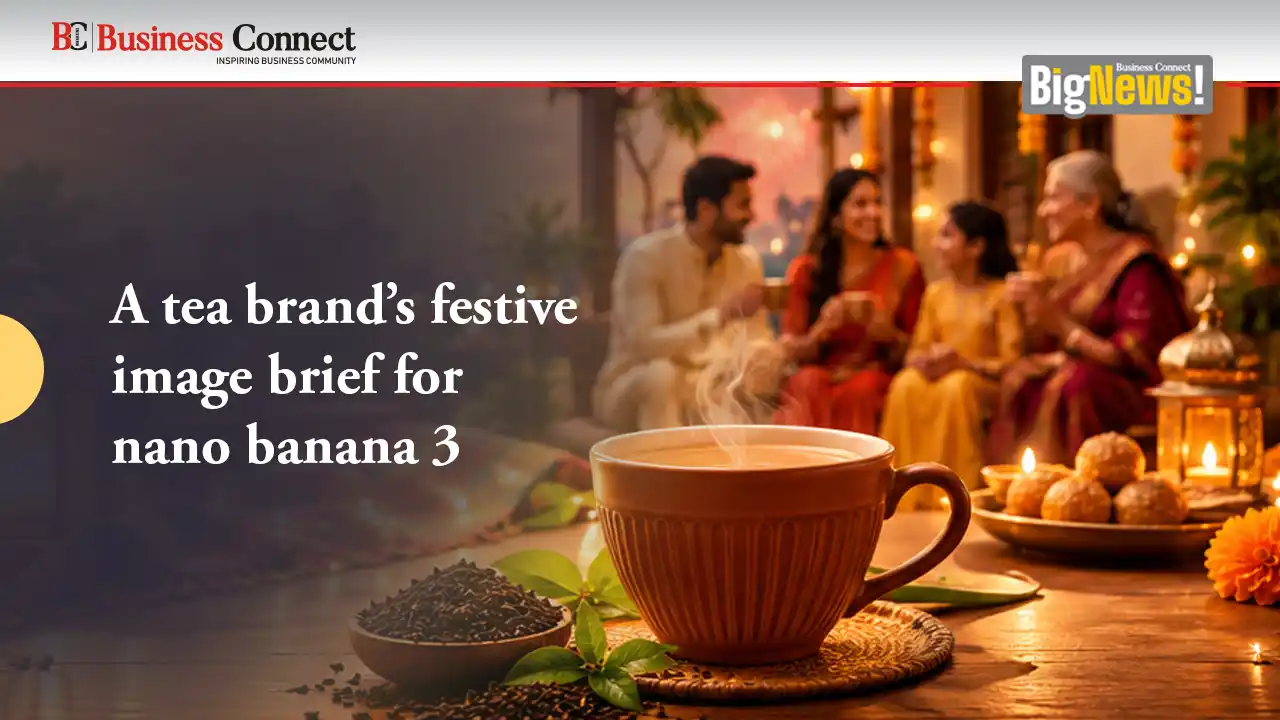
A tea brand’s festive image brief for nano banana 3
A small tea business preparing a festive gift box would have a deceptively simple visual problem: how to make a brown cardboard package feel considered without burying the tea beneath decorations. For an imagined launch, I would start with two tins, a folded information card, and a narrow paper band. The campaign image should help a buyer understand that arrangement before it tries to create a festive mood.
I would first photograph the actual box and tins against a neutral background. Clear views of the packaging would give the project a factual starting point. Alongside them, I would prepare a short brief covering the desired atmosphere, the space needed for an offer line, and the sizes required for a website banner and a square social image.
For exploring those still visuals, I would use nano banana 3 as an AI image generator and editor. The relevant work would involve proposing a setting from text and refining images with instructions. My aim would be a useful picture for a specific business launch, with the real packaging remaining the reference for what customers would actually receive.
Make the product easy to recognise
The first composition would place the open box on a low wooden surface, with the two tins clearly visible and a little empty space to the right. A soft warm background could suggest a welcoming home without introducing a busy dining table. I would keep the viewpoint high enough to show the contents, but low enough for the tins to retain a solid, recognisable shape.
Before experimenting with nano banana 3, I would decide which details must survive any edit. Those would include the number of tins, the lid shape, the package colour, and the visible arrangement inside the box. A beautiful image containing three tins would be a poor campaign asset if the business sells only two. The design brief should make that distinction explicit from the beginning.
My initial prompt would describe a still promotional composition with the supplied tea gift box as the central subject, soft light from the upper left, a restrained amber background, and clear space on the right for later typography. I would avoid asking the image tool to invent a discount, certification, customer review, or ingredient claim. Those details would come from verified business information and be added separately.
Choose a festive cue that supports the box
I would introduce only one or two seasonal details. A loose curve of warm ribbon behind the box could guide the eye, while a small cluster of paper shapes might add a sense of occasion. Neither should hide the tins or imply that decorative accessories come with the order. If a prop creates that ambiguity, removing it would improve the image more than making it prettier.
With nano banana 3, I would explore the setting before committing to a final composition. A darker background might give the packaging more presence, but it could also make brown cardboard disappear. A pale wall might be easier to read on a phone. I would compare these options using the same product arrangement, rather than changing every aspect of the picture between candidates.
The best direction would depend on the actual brand. For a business built around everyday tea rituals, a quiet warm surface would fit better than an extravagant gold display. I would use the visual language already present in its labels and packaging. The campaign should look like an extension of the business customers know, not a temporary disguise borrowed from a luxury advertisement.
Revise the part that causes confusion
Suppose a promising candidate placed the ribbon across the label. I would ask for the ribbon to move behind the box while keeping the product position and light direction similar. That is a concrete image editing task. It would be more useful than asking for a vaguely cleaner or more professional result, because it identifies the obstruction and the intended solution.
After an edit in nano banana 3, I would inspect the tins and box again. Moving a prop might also alter a label edge or the shape of a lid. I would compare the image with the original product photograph and reject any result that changes a meaningful product detail. Where exact packaging fidelity matters, I would retain the real product photograph and use a conventional image editor to combine it with an approved background.
A shadow would deserve similar attention. If it pointed away from the stated light source or made the box seem to float, I would request a softer contact shadow underneath. A plausible relationship between the package and surface is essential to a convincing still image. Decorative detail cannot compensate for a product that appears physically disconnected from its setting.
Turn one visual into two useful layouts
The website banner would need a wide composition, with the product on one side and the announcement on the other. I would first test whether the chosen image crops well. If it loses the open lid or makes the tins too small, I would create a separate wide arrangement using the same background, light, and restrained props. A crop is convenient only when it preserves the reason the image works.
The square version would bring the gift box closer, reducing the empty area while keeping enough breathing room for a short headline. I would add the text in a layout tool, where the business can change dates and wording without regenerating the picture. Small lettering on a tin should never carry information that customers must read to understand the offer.
Using nano banana 3 for the picture would leave the business with the responsibility for the final message. I would check the offer line against the actual product page, then view the complete layout on a phone. If the box is clear but the headline is cramped, the solution is a layout adjustment. Another generation would not automatically resolve an oversized block of text.
Prepare assets the next person can use
I would deliver the selected picture, the finished banner, and the square announcement with clear filenames. The editable layout would keep the promotion text separate from the artwork. A short note would identify which parts came from real product photographs and which parts represent a constructed setting, so a colleague can make informed changes later.
For a future seasonal variation, nano banana 3 could help explore a different background palette while the packaging photographs and layout structure remain available as references. I would still inspect the new result from the beginning. Reusing a brief does not guarantee that every visual detail remains consistent, especially around labels, ribbons, and the edges of an open box.
The finished campaign would succeed if a viewer quickly understands the gift and feels the intended atmosphere. I would rather have one clear image of two tea tins in an inviting setting than a crowded scene full of seasonal symbols. For a small business, that clarity gives the creative work a practical purpose: it helps the product explain itself before the customer reads the details.
Add Business Connect magazine to your Google News feed